
How to Write the Visit Page So a Story Cannot Add a Stone
Submitted by Andy_B on Thursday, 22 October 2026 Page Views: 19
Resources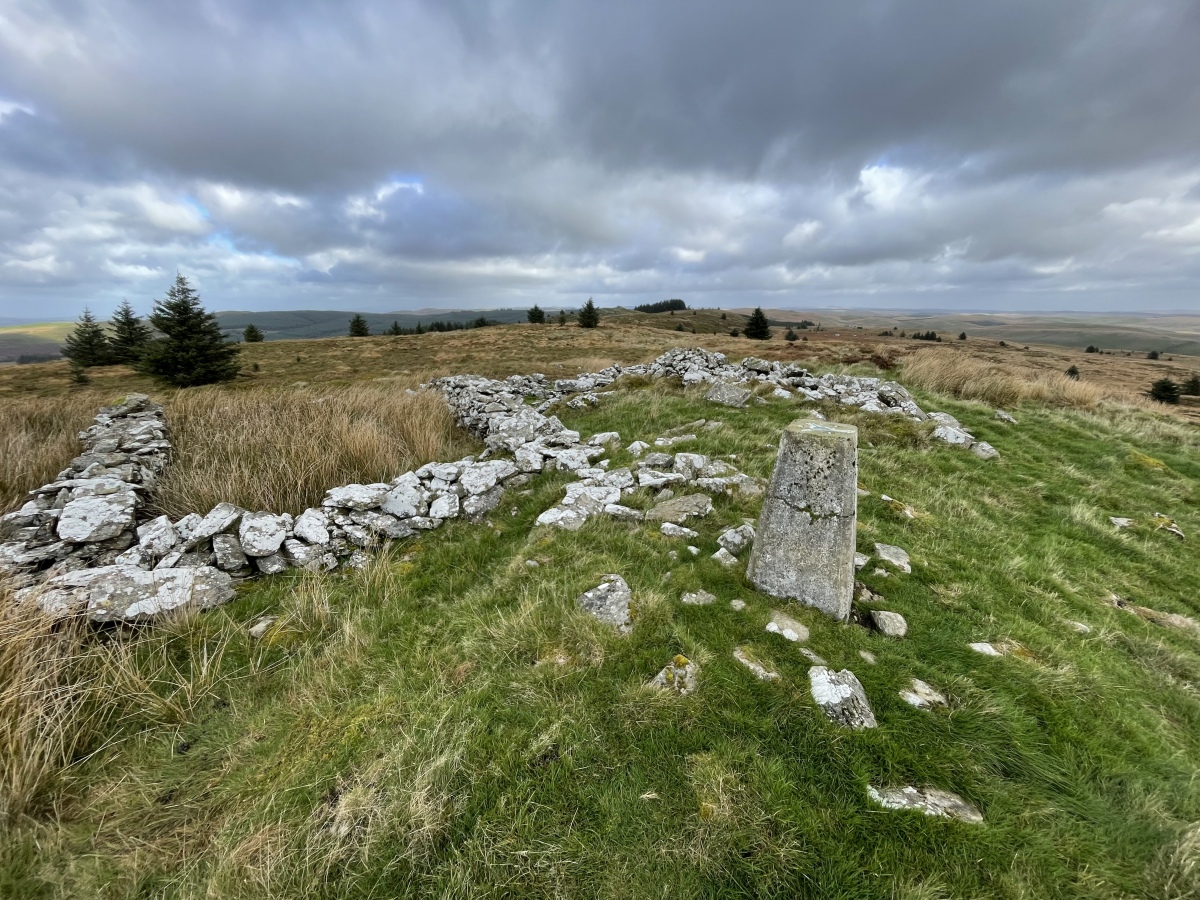
People comparing notes are trying to match a monument with a map, an older photograph, and a path that may have grown over. Write for that reader first.
Put the approach on the page
Name the track, the gate, and the point where the path gives out. If cattle or sheep are in the field, say so, and leave by the way you came. A monument on private ground keeps whatever access the landowner actually allows. One afternoon's permission is not a right you can hand on to everyone who reads the page.Then the stones, from where you can see them without walking on the monument. Note which are upright, which are down, and which look reset. If a wall, a hedge, or a later track has taken part of the circuit, say that. Do not draw the missing stones back in because a better-known site nearby still has them.
If you measure, put the method in the same sentence as the figure. A tape across the clearest diameter is one kind of claim. A pace you would not repeat is another. A height you could not take, because the stone was unsafe to approach, is a gap, and the gap belongs in the note. A bare number will be copied as if a survey team had been there.
Where two identifications are still argued, keep both. A possible long barrow and an old quarry can share a page. The more exciting label, chosen because it reads well, sends the next visitor to the wrong field.
The photograph is of the place you stood in. If another walker, the farmer, or a child is in the frame, ask before the picture goes up. They are not background for a scene you make afterwards.
Say when the ring is modern
Some circles were raised for a ceremony in the last century, a cafe garden, or a holiday cottage. They can deserve a page of their own. They are not prehistoric because the shape looks familiar. Write who put them up, or write that you could not find out. Do not borrow a Neolithic date from a monument in the next parish. A modern ring can still be the subject of a talk. The talk keeps the date you actually have.Build the telling from the note
An evening of stories is a second piece of work. It starts from the page you have already written. It is not a chance to improve the monument.AI Drama Generator is the workbench for that telling. You can begin with one line, an outline, a short script, or a paragraph taken from your own visit note. The project holds an editable outline, episodes, characters, locations, props, and beat sheets. You review them before a storyboard or a generated scene. A character, a location, or a prop can be reused from one beat to the next, so the gate and the fallen stone you already described are not redesigned by accident in the following scene. Dialogue, voiceover, and captions depend on the production flow and the models you select. A vertical 9:16 frame suits a short episode on a phone. A hall may want a different shape. You still choose.
The people in it are characters. They are not the person who farms the field, not the walker in your photograph, and not a named excavator, unless that person has agreed to appear and has agreed to the voice. A generated face belongs to the draft. It is not a portrait, and it is not a record that anyone stood among the stones. You can prepare the episode without hiring actors. That does not remove the need for agreement when the figure is a real person, and a child who was on the path is not a character to generate.
The script does not add a stone, a ditch, or a burial the visit did not record. If the page says the date is uncertain, the spoken line says so too. An audience can enjoy the telling. They should not go home believing they have watched the excavation.
Hold any pictures to the same note
Topview is the workspace if the talk also needs a short sequence, or stills made while you shape it. You describe the idea, paste only the line you are willing to say in public, and add a reference for the pace. The visit page can sit among those references. It plans the scenes, selects among the models available there, generates the assets, and leaves the shots editable on the Canvas. A prompt, a link, an image, a video, or a mix of those can start the same job. What the plan includes, and what a generation spends, is listed on the site before you run it. You put the file where it is going. It will not file the visit for you, and it will not correct a grid reference.The photograph on the visit page remains the one you took. If a generated frame shows a stone, a bank, or a path that is not in the field, it does not go on that page, and it does not go into the version you hand to an audience.

